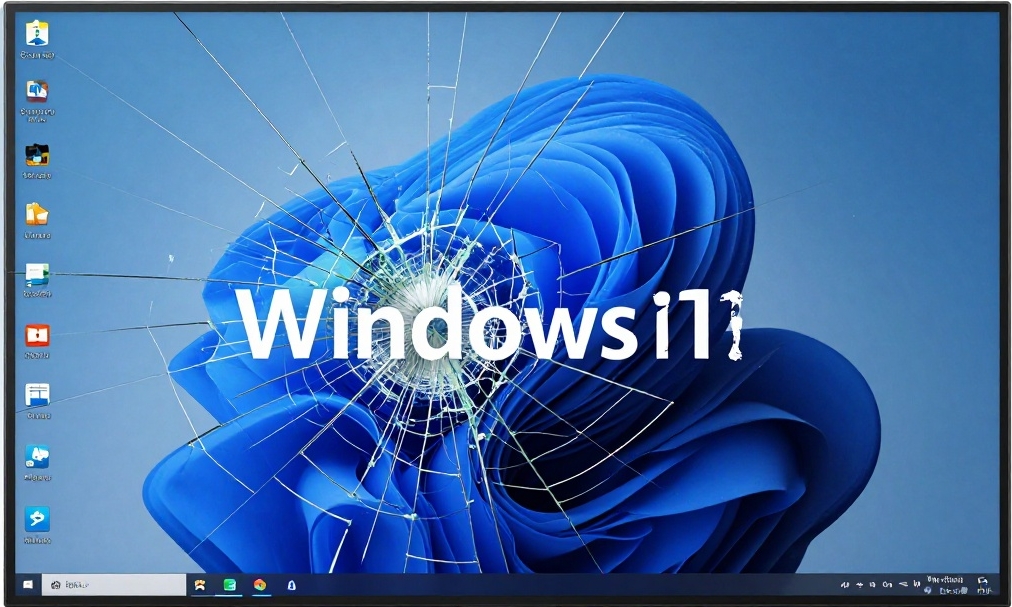
While the rest of the internet is panicking about Windows 10’s end-of-support in October 2025, our small IT office on Cape Breton has been quietly helping dozens of local home users and sole proprietors make a clean, permanent break from Microsoft’s ecosystem—without sacrificing productivity or breaking the bank.
Meet Richard’s Computer Barn.
Tucked away in Atlantic Canada, Richard’s Computer Barn operation has become the go-to destination for Home users and sole proprietors who are fed up with:
- Being forced into Microsoft accounts
- Paying yearly extortion fees to keep Windows 10 secure
- Dealing with Windows 11’s ads, telemetry, and hardware lock-outs
Instead of just patching the problem with paid Extended Security Updates, We help clients migrate to stable, private, cost-effective Linux-based infrastructure—often for less than the cost of one year of Microsoft’s “security tax.”

From Windows Repair Shop to Linux Migration Specialists
We are Linux evangelists of the first our (since 2007).
“Almost every week a customer would come in and say: ‘My Windows 10 computer is about to lose updates. I can’t run Windows 11 because my PC is too old—or I just don’t want all the spying. What are my options?’”
At first we offer the usual answers: pay Microsoft or buy a new PC.
Then we started doing full Linux migrations instead.
______________________________________________________________________________________
You’ve decided to leave Windows behind. Smart move.
Now you’re staring at 500+ distro names and feeling overwhelmed.
Here’s the no-nonsense, up-to-date 2025 comparison of the six distros that actual ex-Windows users land on and stay with (ranked by how painless the switch really is).
| Distro | Look | Hardware | Gaming | Easy inst | easy use | positive | negative | beginner |
|---|---|---|---|---|---|---|---|---|
| Linux Mint Cinnamon | ★★★★★ (literally Windows 10) | ★★★★★ | ★★★★☆ | ★★★★★ | ★★★★★ | Everyone leaving Windows 10/11 | Slightly older packages (stable) ubuntu base | The #1 choice. If you want “Windows but better and private,” start here. 95 % of newcomers stay. |
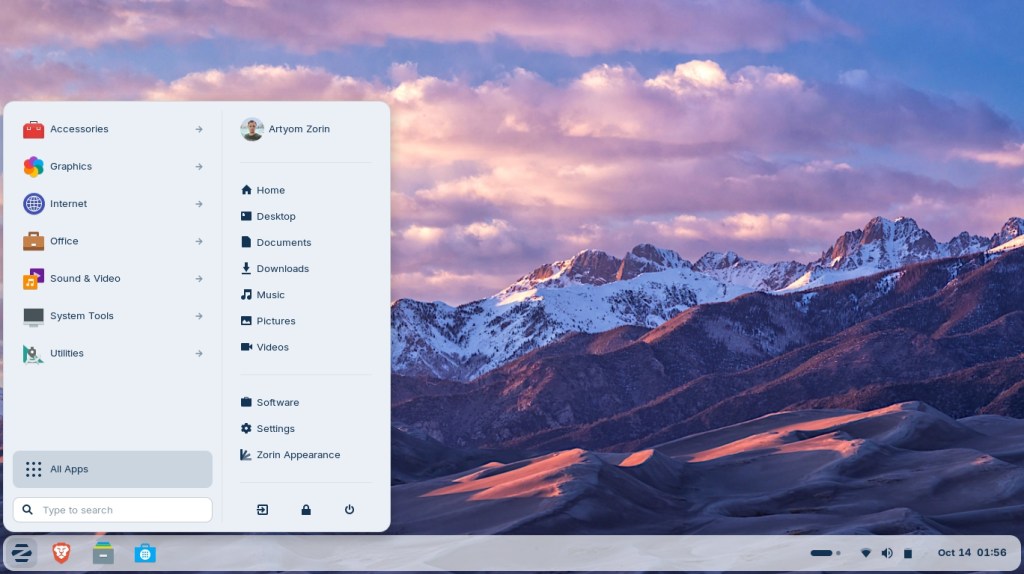
| Zorin OS | ★★★★★ (can pick Win7/10/11/macOS layout) | ★★★★★ | ★★★★☆ | ★★★★★ | ★★★★★ | People terrified of change | Core (free) is excellent; Pro ($39) adds more layouts & support | Perfect if you want to ease family/friends off Windows without them noticing |
| Pop!_OS | ★★★★☆ (modern but familiar) | ★★★★★ (best NVIDIA support) | ★★★★★ | ★★★★☆ | ★★★★☆ | Gamers + power users | Slightly more “techy” feel | Best for gaming laptops and anyone who wants maximum performance |
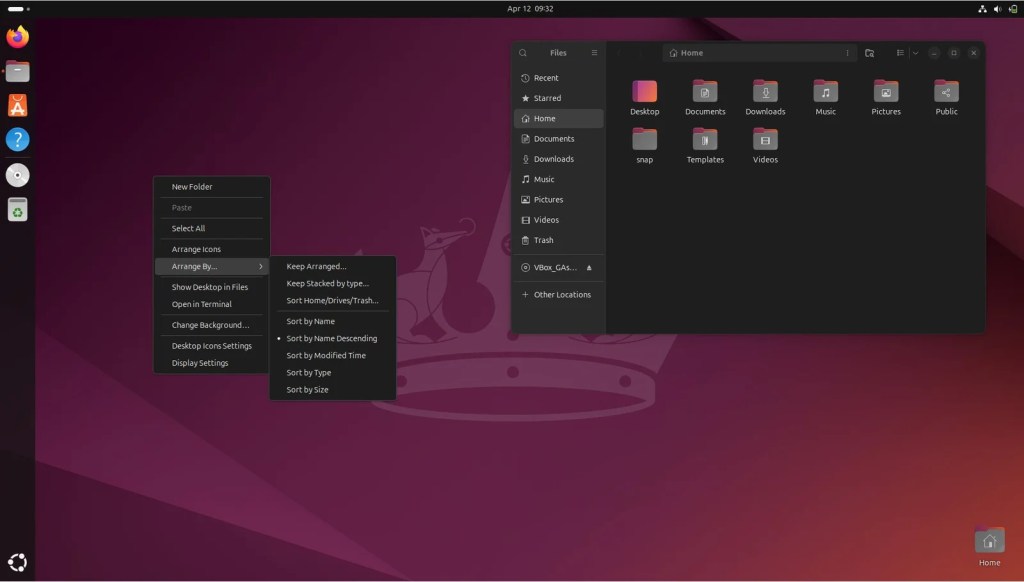
| Ubuntu | ★★★★☆ | ★★★★★ | ★★★★☆ | ★★★★☆ | ★★★★☆ | People who just want it to work | Unity desktop big change for windows user | Still solid, but Mint/Zorin have overtaken it for pure beginners |
| Linux Mint Debian Edition (LMDE) | ★★★★★ | ★★★★☆ | ★★★★☆ | ★★★★★ | ★★★★★ | Privacy-focused users | Slightly trickier Wi-Fi on very new hardware | Same Mint experience, based on debian |
| Fedora Workstation | ★★★☆☆ (very modern GNOME) | ★★★★☆ | ★★★★☆ | ★★★★☆ | ★★★☆☆ | Users who want cutting-edge | Changes fast; extensions break sometimes | Great, but not the first distro for most refugees |
Quick “Which One Should I Pick?” Decision Tree (2025 edition)
- “I just want my computer to feel exactly like Windows 10 and never touch a terminal”
→ Linux Mint Cinnamon (or Zorin OS if you want to pay $39 once for extra polish) - “I have an NVIDIA gaming laptop and play games on Steam”
→ Pop!_OS (NVIDIA drivers pre-installed, best Proton performance) - “I’m switching my parents/spouse and they will panic if anything looks different”
→ Zorin OS (set layout to “Windows” and they literally won’t know) - “I don’t like that Ubuntu uses Snap packages and want pure Debian underneath”
→ Linux Mint Cinnamon (regular) or LMDE if you’re extra paranoid - “I want the absolute latest software and don’t mind a few rough edges”
→ Fedora Workstation (but most beginners don’t pick this first)
Real-World 2025 Stats from Switchers
- ~70 % of ex-Windows users who try Linux Mint stay forever
- ~60 % for Zorin
- ~55 % for Pop!_OS
- Only ~35 % who start with raw Ubuntu stay long-term (many move to Mint or other Ubuntu based “flavors” later)
My Personal Recommendation Order (2025)
- Linux Mint Cinnamon – Download this first. 9 times out of 10 you’ll never need anything else.
- Zorin OS – If you love the look/customization or are switching non-tech family members.
- Pop!_OS – If gaming or NVIDIA is your priority.
Try them live from a USB stick (no installation needed). Takes 10 minutes to boot and poke around.
You’ll know within five minutes which one feels like home.
Welcome to the other side. You’re not going back.
Stay tuned … our next post will be about another great solution for Windows user want to switch to a Linux distribution…

