Why Many Windows Power Users Are Choosing KDE Plasma in 2025
When most articles tell Windows refugees to install Linux Mint or Zorin, they’re giving great advice… for people who want to pretend nothing changed.
But there’s a growing group of ex-Windows users (power users, multi-monitor warriors, people who actually customize their Start menu) who try Kubuntu and immediately say:
“Wait… this is what Windows 11 should have been.”
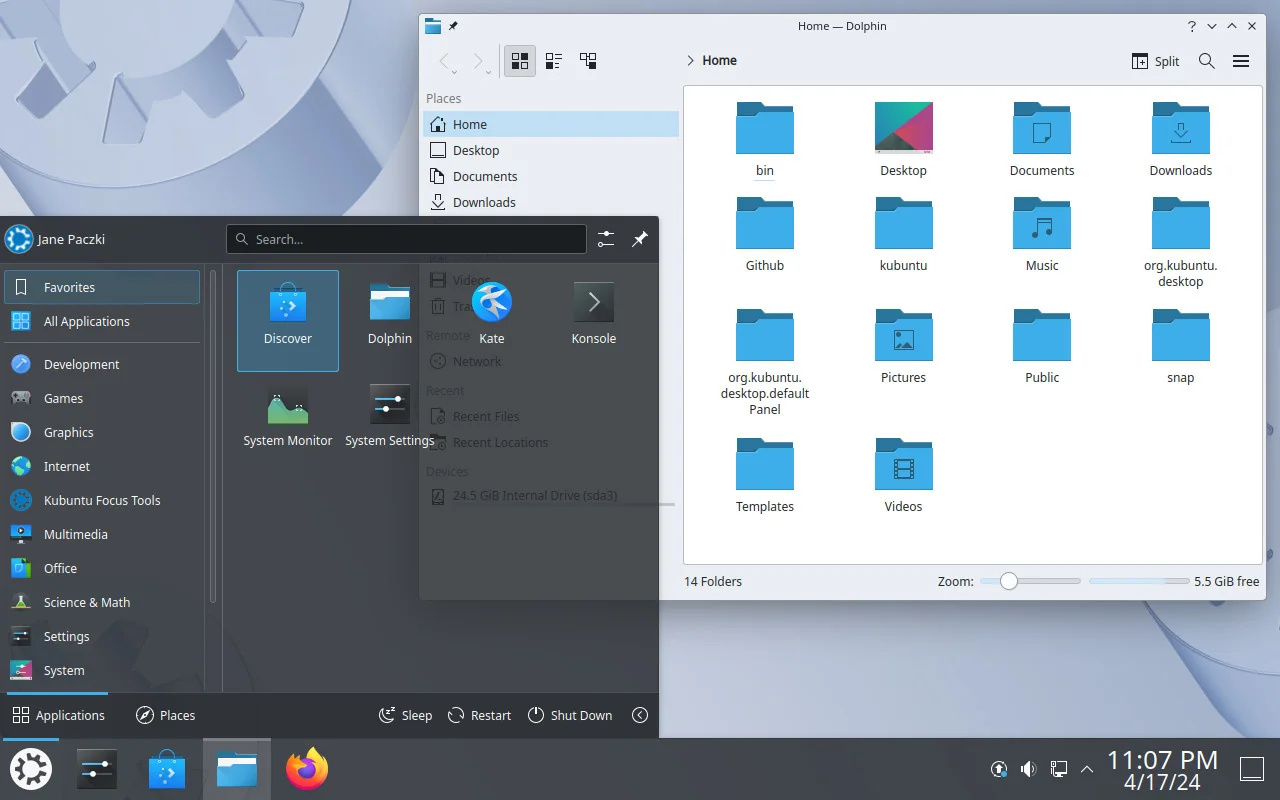
Kubuntu = Ubuntu + the KDE Plasma desktop.
In 2025, Plasma 6 is mature, gorgeous, and packed with features Microsoft removed years ago.
Why KDE Plasma Feels Like Coming Home for Windows Users
| Feature Windows 11 Removed or Broke | What KDE Plasma 6 Gives You Instead (2025) | Windows User Reaction |
|---|---|---|
| Taskbar on any side or multiple monitors | Fully movable panel anywhere, any monitor, any edge | “I can put my taskbar on the left again!” |
| Proper window tiling (no half-baked Snap Layouts) | Built-in professional tiling (better than PowerToys FancyZones) | “Holy crap, this just works” |
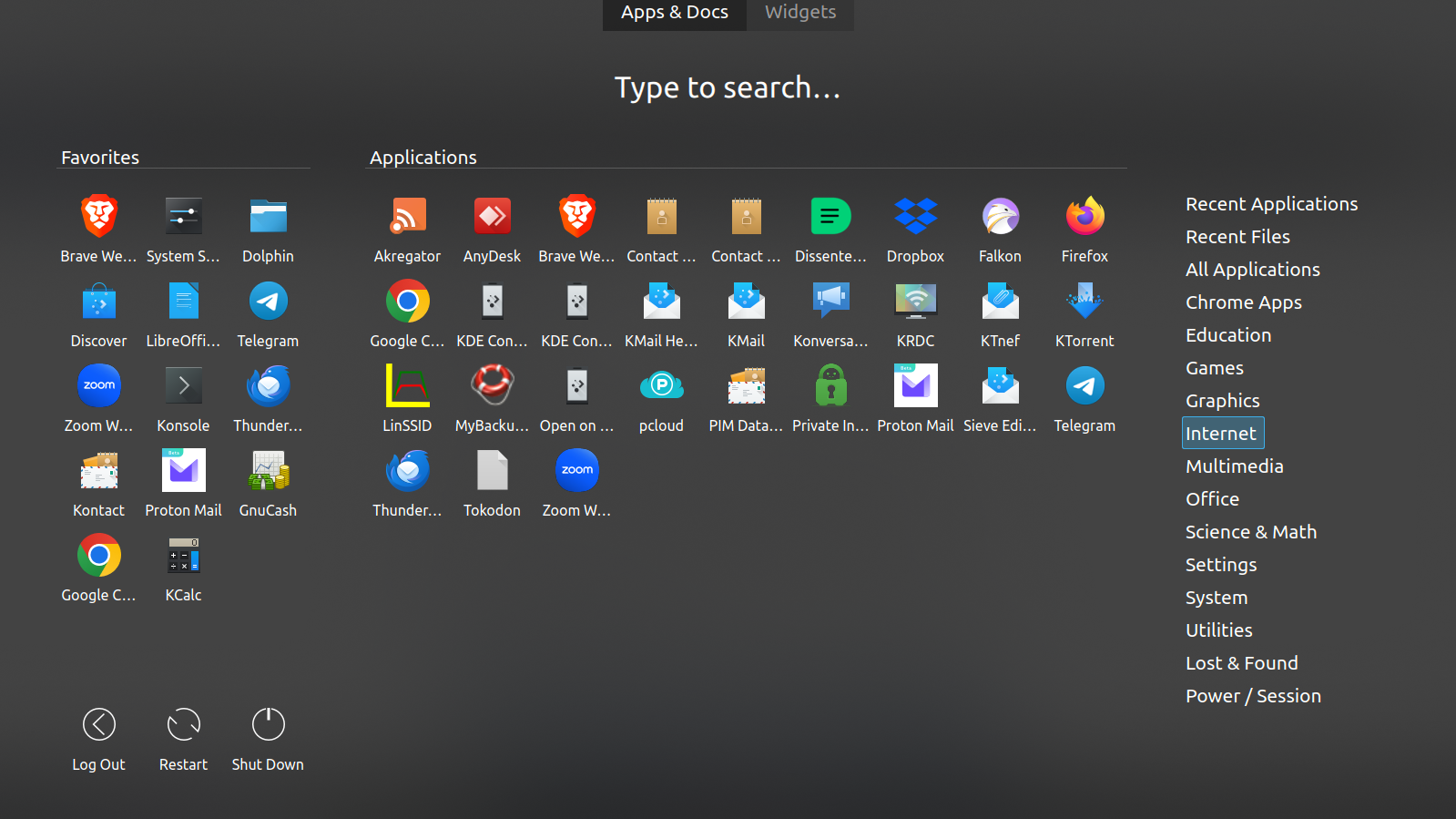
| Start menu that actually shows all programs | Kickoff, Kicker, or classic Windows-XP-style menu – you pick | “I found my apps on the first try” |
| Widgets / desktop icons / live wallpaper | Full desktop widgets, icons, Folder View, live wallpapers, weather, etc. | “Microsoft, why did you take this away?” |
| No forced Microsoft account or online telemetry | 100 % local account, zero phoning home unless you install something that does | Pure relief |
| Right-click → New → Text Document, Folder, etc. | Present and works exactly like Windows | Muscle memory intact |
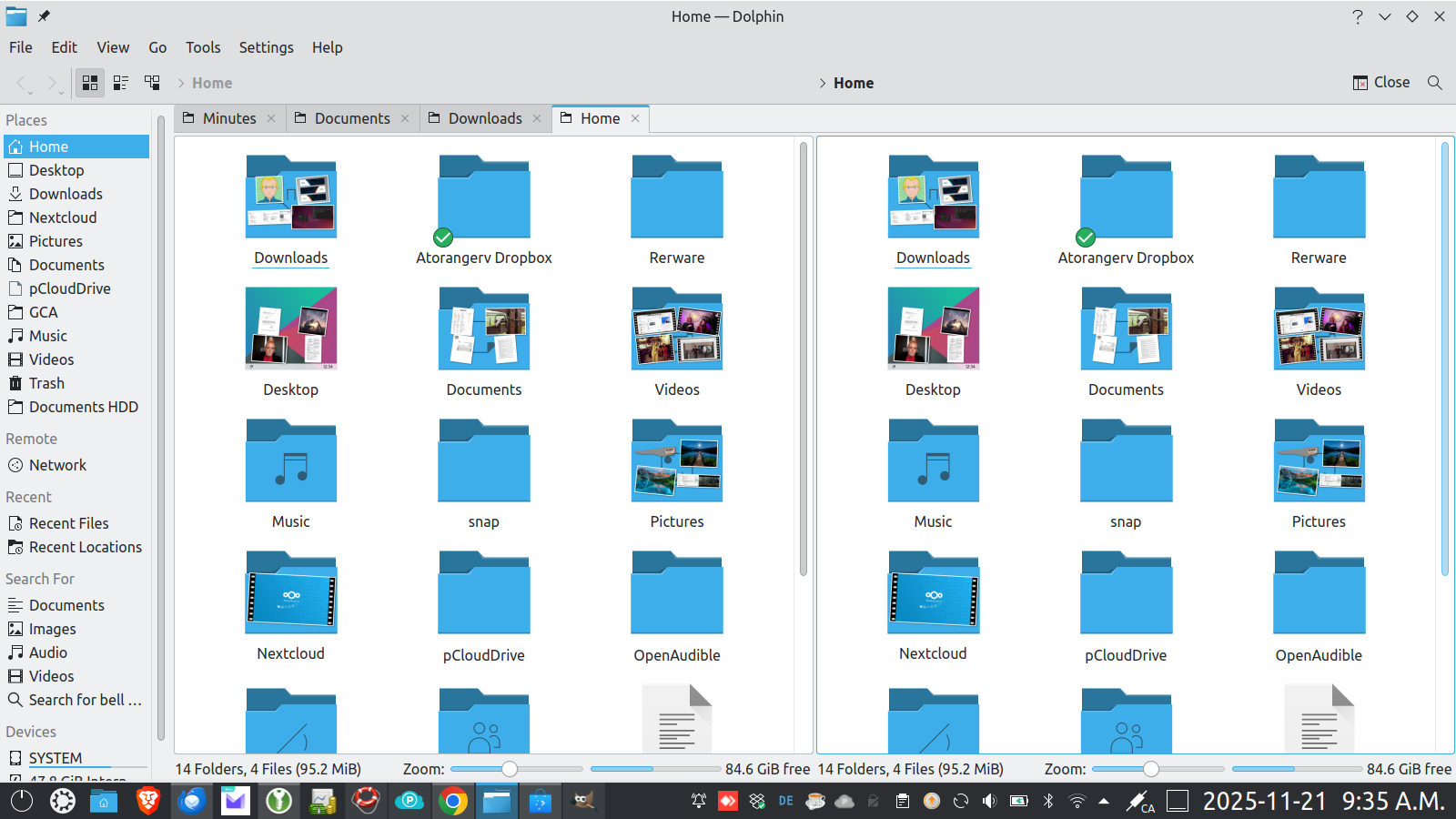
| File Explorer that doesn’t suck | Dolphin – tabs, split view, terminal embed, Git integration, previews | “This is what Explorer wanted to be” |
Real Quotes from Windows → Kubuntu Switchers (2024–2025)
- “I spent years with FancyZones and Start11 trying to make Windows 11 usable. KDE does everything those $50 tools did… for free, out of the box.”
- “I have four monitors. Windows 11 still can’t remember taskbar settings across them. Plasma just worked in 30 seconds.”
- “I can make my desktop look like Windows 95, Windows 7, Windows 11, macOS, or something completely unique in about five clicks.”
Kubuntu Specifically (Why Not Just “KDE Neon” or Fedora KDE?)
- Same Ubuntu base everyone already knows → massive driver/app compatibility
- LTS versions give you 5 years of updates (perfect for business machines)
- Slightly more conservative than KDE Neon → fewer bleeding-edge breakages
- Snap-free if you want (use the normal .deb repositories)
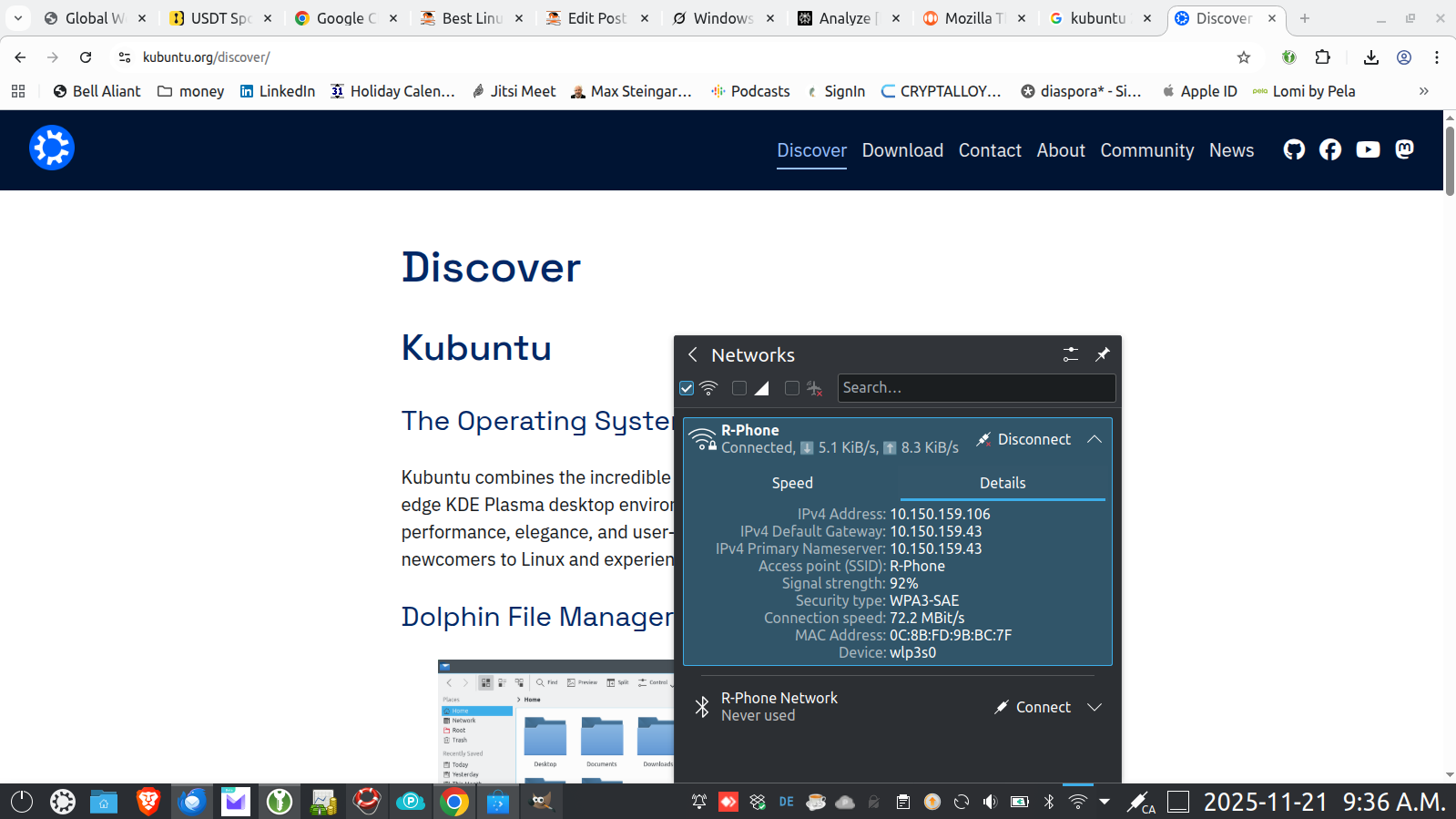
- Discover software center is actually pleasant to use in 2025
The 2025 KDE Advantages That Windows Users Love Most
- Present Windows (Alt+Tab heaven)
Shows every window on every monitor with big previews – miles ahead of Windows 11’s Alt+Tab. - KWin window manager
Zero-tearing VRR on NVIDIA, buttery animations even on older GPUs, perfect multi-monitor handling. - Built-in night light that actually works on multiple monitors
(Windows still struggles with this in 2025.) - Latte Dock or default panels
macOS-style dock + Windows-style taskbar + whatever hybrid you dream up. - “Activities”
Different desktops for Gaming / Work / Media with completely separate wallpapers, widgets, and panel setups – like virtual desktops on steroids. - No ads, no Copilot nagging, no Recall screenshots.
Who Should Pick Kubuntu in 2025?
- You miss the old Windows 7/10 customization freedom
- You use multiple monitors and hate Windows 11’s compromises
- You want window tiling that actually works (not Snap Layouts)
- You like eye candy but also rock-solid stability
- You’re tired of paying for Start11, ExplorerPatcher, etc. just to get basic features back
Quick Start Recommendation
Download Kubuntu 24.04 LTS (or the new 25.04 when it lands in April 2025)
Boot the live USB → click around for 10 minutes
95 % of people who try modern KDE Plasma never go back to GNOME or Cinnamon.
Kubuntu isn’t the most beginner-friendly distro if your only goal is “make Linux look exactly like Windows 10 and never learn anything new.” That crown still belongs to Linux Mint or Zorin.
But if you’re the kind of Windows user who always customized your taskbar, used multiple desktops, and got annoyed when Microsoft kept taking features away…
KDE Plasma on Kubuntu feels like Microsoft finally finished Windows 11 — and then gave it away for free, with no spying.
Welcome home.
 Richard's Computer Barn