Why IT Matters for Small Teams and Home Offices
Many small teams and home office users believe that robust IT solutions are only necessary for large corporations. However, in today’s digital world, every business—no matter the size—needs reliable IT infrastructure. Cybersecurity threats, hardware failures, and inefficient workflows can cost valuable time and money. By adopting smart IT practices, small businesses can compete effectively, protect sensitive data, and scale efficiently without overspending.
1. Build a Reliable and Secure IT Foundation
A strong IT foundation ensures that your small business or home office operates smoothly and securely.
Invest in Quality Hardware
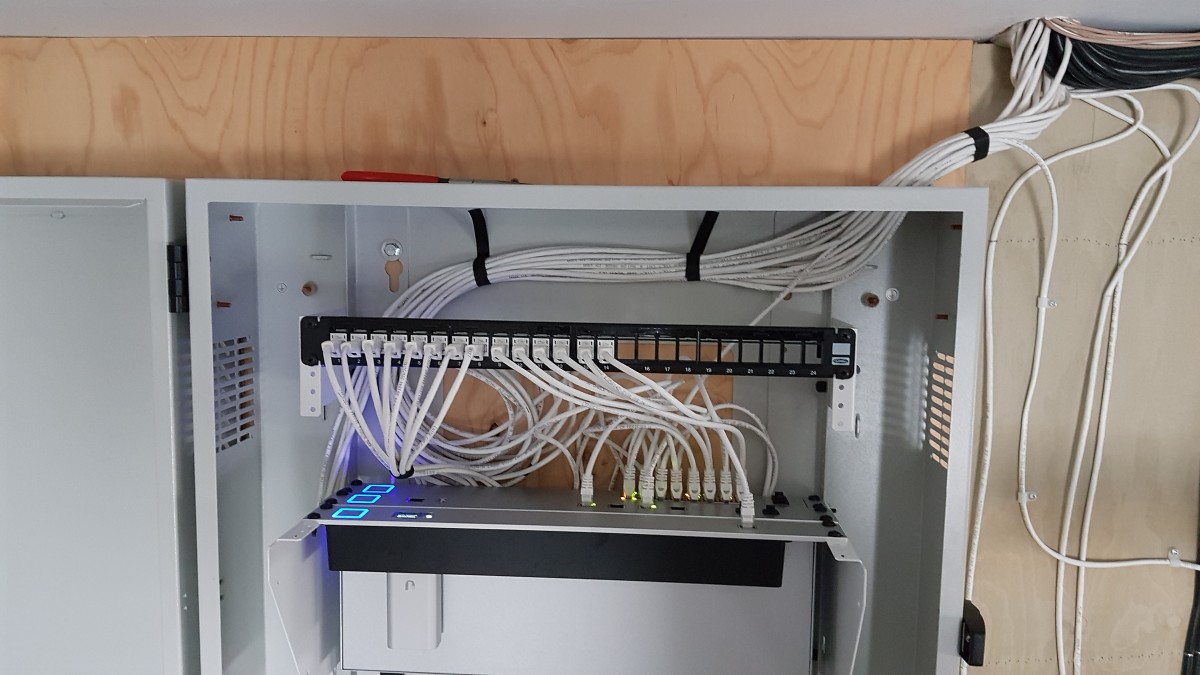
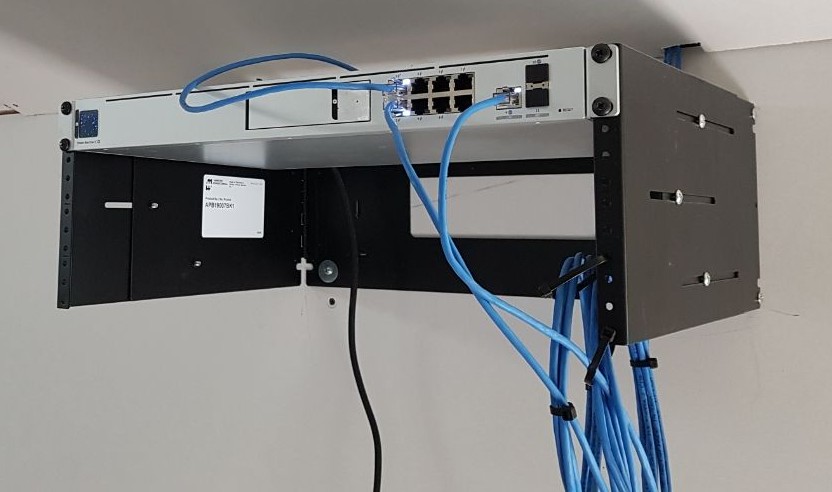
While budget constraints are real, outdated hardware can slow down your workflow and increase maintenance costs. Invest in reliable laptops, desktops, and networking equipment that fit your needs and last longer. Brands like Lenovo, Dell, and HP offer affordable business-class solutions.


Optimize Your Internet Connection
Limited broadband access is a common issue for rural businesses. Improve connectivity by:
- Using a high-gain antenna or signal booster for better reception.
- Setting up redundant internet connections to minimize downtime.
- Switching to a wired connection (Ethernet) for critical tasks.
Power Backup for Uninterrupted Work
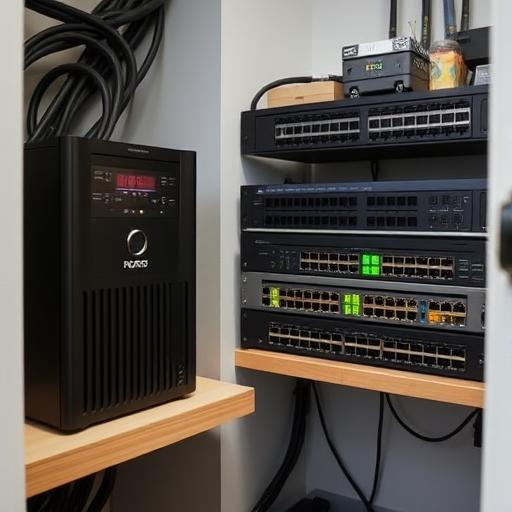
Frequent power outages can disrupt operations. Install an Uninterruptible Power Supply (UPS) to keep devices running during short outages and prevent data loss.
2. Cybersecurity: Protect Your Business from Threats
Small businesses and home offices are common targets for cyberattacks. Security breaches can result in financial loss, reputational damage, and data theft.
Use Strong Passwords and Multi-Factor Authentication (MFA)
- Create strong, unique passwords for each account.
- Enable MFA on email, banking, and cloud storage accounts to add an extra layer of protection.
- Use a password manager like Bitwarden or KeePassXC to store and generate passwords securely.


Keep Software and Systems Updated
Outdated software is a major security risk. Set up automatic updates for:
- Operating systems (Linux, Windows, macOS)
- Web browsers (Chrome, Firefox, Brave)
- Security software (ESET, Acronis, PIA VPN)
Secure Your Network
- Change default router passwords and update firmware regularly.
- Get a managed Network installed
- Use firewalls and intrusion detection systems for enhanced protection.
- Segment your Wi-Fi network—use a separate guest network for customers and clients.
3. Data Backup and Disaster Recovery
Data loss due to hardware failure, accidental deletion, or cyberattacks can be catastrophic for small businesses.
Implement a Reliable Backup Strategy
Follow the 3-2-1 Rule:
- Keep 3 copies of your data.
- Store it on 2 different media types (local and cloud).
- Ensure 1 copy is offsite (cloud storage or external drive).
Recommended backup solutions:
- Cloud Storage: pCloud, Nextcloud, DigitalOcean
- Local Backup: External HDDs, NAS devices
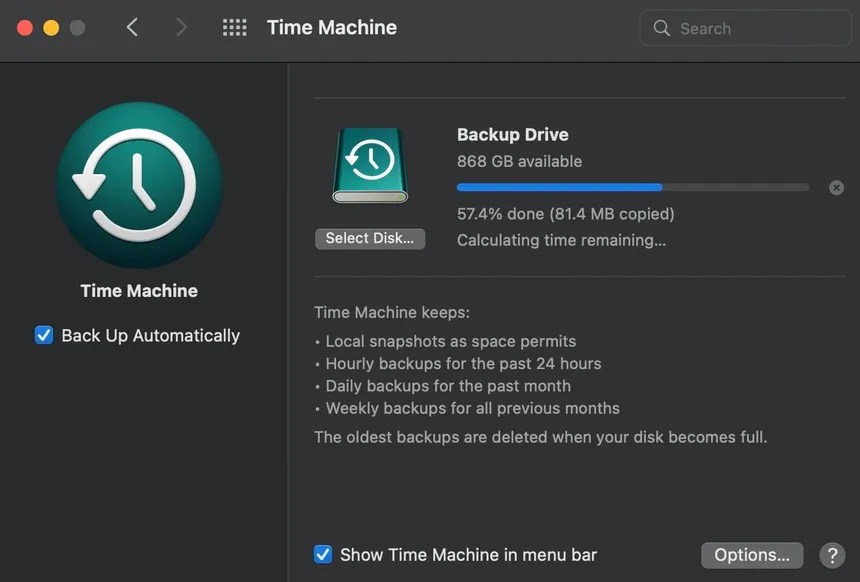
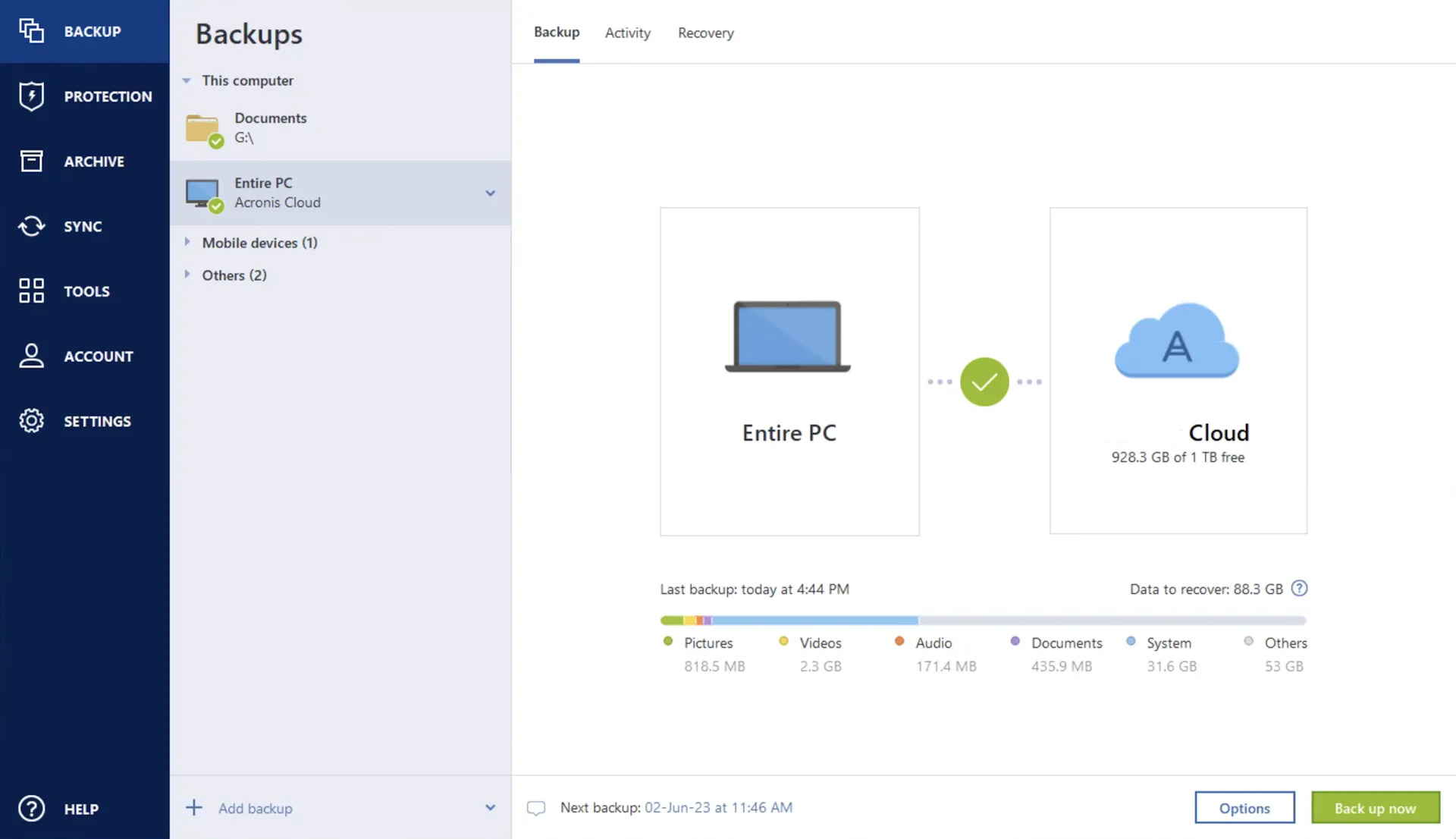
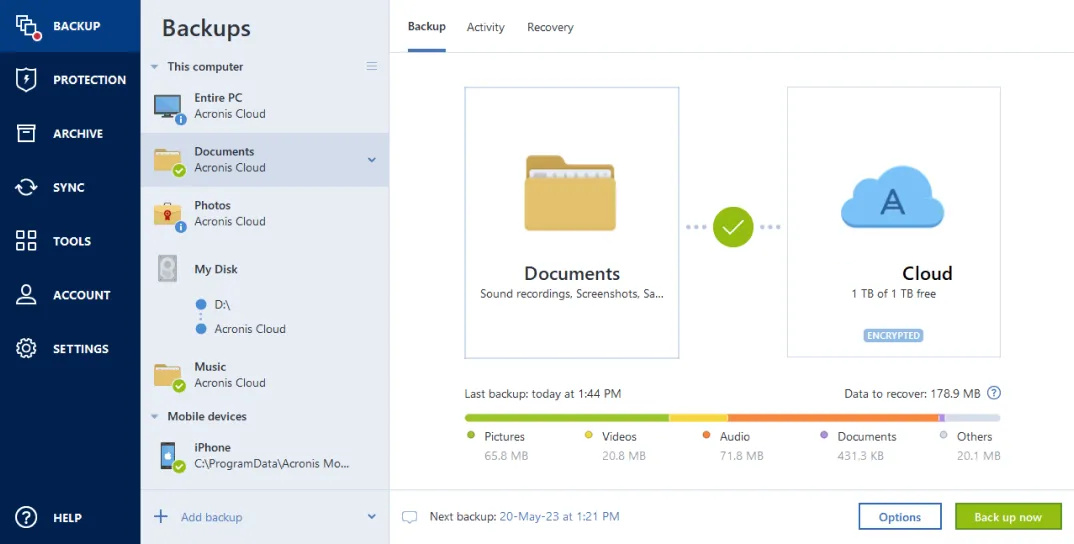
- Automated Backup Tools: Acronis, Veeam, BorgBackup, Timemachine, Back in Time



4. Improve Productivity with Smart IT Solutions
A well-structured IT setup can enhance efficiency and collaboration, even for small teams.
Use Cloud-Based Collaboration Tools
- Google Workspace or Microsoft 365 for email, document sharing, and team communication.
- Nextcloud as a self-hosted, privacy-focused alternative.
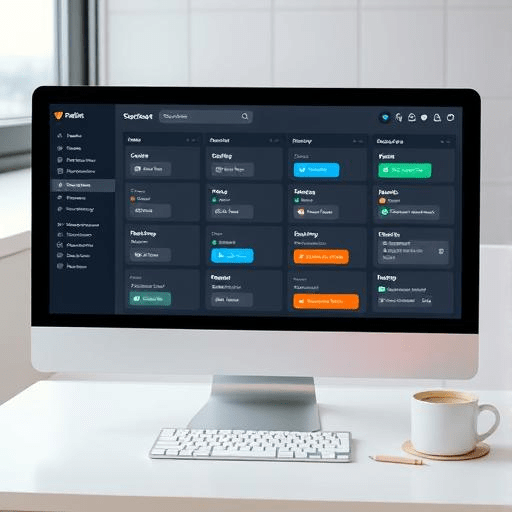
- Trello, Asana, Jira, or ClickUp for project management.


Remote Access and IT Support
If you operate from a rural area, remote IT support can save you time and money.
- Use AnyDesk or TeamViewer for remote troubleshooting.
- Consider subscription-based IT services like those offered by Richard’s Computer Barn for proactive support.


Common Opinions
1. “We’re too small to need robust IT practices.”
💡 Reality: Even a one-person business can suffer from data breaches, downtime, and inefficiencies. Implementing basic IT best practices ensures smooth operations and scalability.
2. “Good IT solutions are too expensive for us.”
💡 Reality: Many powerful tools are open-source or budget-friendly. Investing in prevention is always cheaper than fixing problems later.
3. “We don’t have the expertise to manage IT effectively.”
💡 Reality: With managed IT services and remote support, you don’t need in-house IT staff. Partnering with experts like Richard’s Computer Barn can save time and reduce tech-related stress.
Final Thoughts: IT as a Growth Enabler
By adopting the right IT practices—focusing on security, efficiency, and reliability—small teams and home offices can maximize productivity, protect sensitive data, and build a scalable foundation for future growth. Whether you need hardware recommendations, cloud solutions, or IT support, Richard’s Computer Barn is here to help.
Take the Next Step
🚀 Need personalized IT solutions for your small business?
ContactRichard’s Computer Barn today!
📧 Email: support@richardscomputerbarn.ca
📞 Call: 902-317-8788
🌐 Read more on our blog: The Barn Blog
 Richard's Computer Barn