Embracing the Future of Work in Rural Communities
Remote work is no longer just a trend—it’s a game-changer for individuals and small businesses, especially in rural and remote areas. While rural communities face unique challenges like slow internet speeds, limited access to IT professionals, and feelings of isolation, the right tools and strategies can turn those challenges into opportunities.
If you’re a small business owner, teacher, coach, or professional working from a rural area, it’s time to leverage remote work to your advantage. Here’s how you can overcome common obstacles and create a productive, connected, and thriving remote work environment.
Common Rural Work Challenges (and How to Solve Them)
1. Limited Internet Connectivity
Challenge: Slow or unreliable internet makes video calls, cloud-based tools, and online collaboration difficult.
Solution:
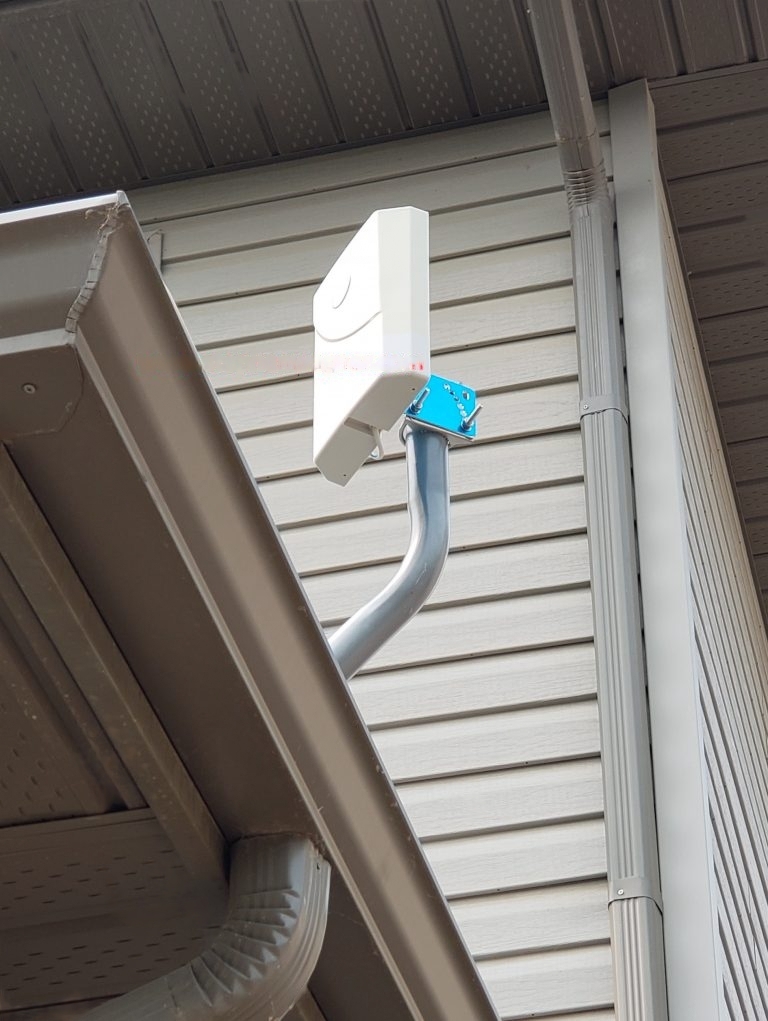
- Invest in signal-boosting equipment (Wi-Fi extenders, mesh networks, or outdoor antennas) to improve coverage at home or in your workspace.
- Explore alternative connectivity options, such as Starlink or other satellite internet providers that offer high-speed service in rural areas.
- Use tools that work offline—like Google Workspace, which syncs your work once you reconnect to the internet.
Example: Sarah, a small-business owner in rural Nova Scotia, struggled with choppy video calls until she installed a signal booster. Now, she hosts smooth virtual meetings with clients and partners from around the globe.




2. Cost and Complexity of Remote Work Tools
Challenge: Professional tools seem expensive or too technical for smaller businesses and individuals.
Solution:
- Opt for affordable tools with free or budget-friendly plans:
- Communication: Zoom, Microsoft Teams, or Slack for calls and messaging.
- Project Management: Trello, Asana, or ClickUp to keep tasks organized.
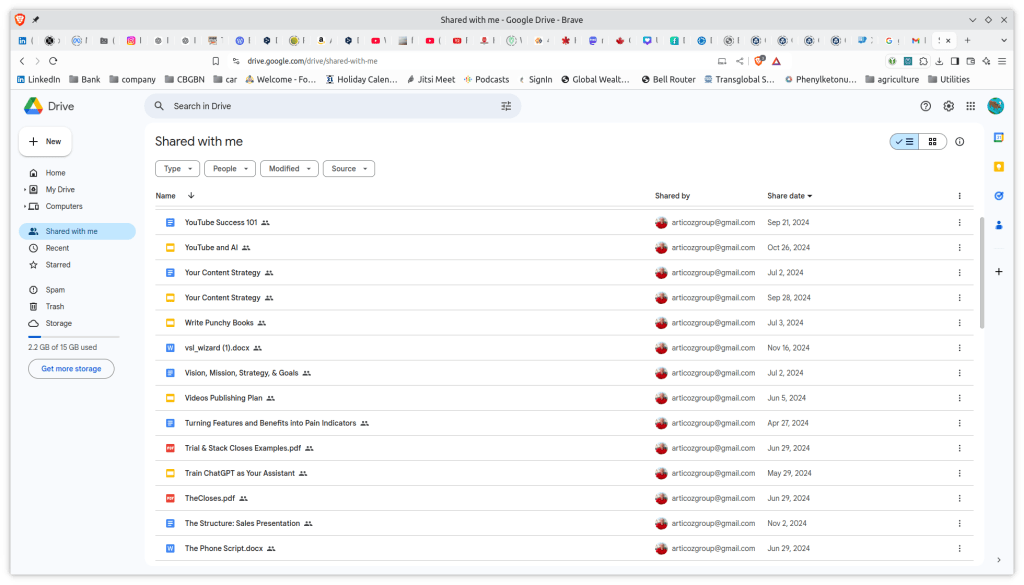
- File Sharing: Google Drive or Dropbox for easy access to documents.
- Work with tools that are easy to learn and come with support, tutorials, or workshops.
Example: A local teacher in Cape Breton switched to Google Workspace to provide online lessons. It was affordable, user-friendly, and helped students stay connected, despite their rural location.
3. Effective Collaboration While Working Remotely
Challenge: Rural professionals worry that distance will impact their ability to collaborate, connect, or grow their businesses.
Solution:
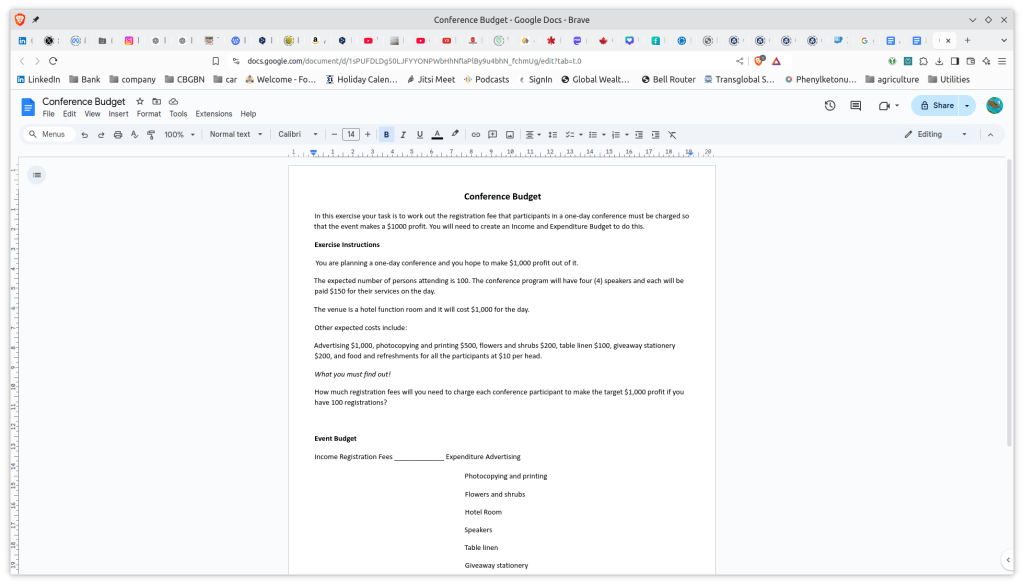
- Use cloud-based tools like Microsoft OneDrive, Google Docs, or Notion for real-time collaboration.
- Schedule regular video calls and virtual team check-ins to maintain strong relationships and communication.
- Implement digital whiteboards like Miro or Jamboard for brainstorming and visualizing ideas with your team.
Example: A small retail store in a remote town used Slack and Google Docs to collaborate with their supplier located in an urban area. By streamlining their communication, they improved their inventory process and saved valuable time.
The Tools You Need to Succeed in Remote Work
Here’s a breakdown of essential tools to make remote work successful in rural areas:
| Category | Tool Suggestions | Benefits |
|---|---|---|
| Internet & Connectivity | Starlink, Wi-Fi boosters, Mesh Networks | Faster, more reliable connections |
| Communication | Zoom, Microsoft Teams, Slack, Jitsi | Seamless video calls and messaging |
| Collaboration | Google Workspace, Dropbox, Notion, | Real-time file sharing and teamwork |
| Task Management | Trello, Asana, ClickUp | Organize projects and deadlines |
| Security | VPNs, Firewalls, Backup Solutions | Protect sensitive business data |
With the right technology, you can stay connected, secure, and productive, no matter how remote your location.
Concerns about Remote Work
1. “Internet Connectivity in Rural Areas Isn’t Good Enough for Remote Work”
Truth: Technology has advanced. Tools like Starlink and modern signal boosters can provide reliable, fast connections in even the most rural areas. Combine that with offline-capable tools, and you’re set for success.
2. “Remote Work Tools Are Too Complicated or Expensive”
Truth: Affordable, user-friendly tools like Zoom, Google Workspace, and Trello are perfect for small businesses and home users. They don’t require advanced technical skills and provide real value for your investment.
3. “Working Remotely in a Rural Area Means I Can’t Collaborate Effectively”
Truth: Digital tools bring collaboration to your doorstep. Platforms like Slack and Google Docs make teamwork easy, and video conferencing keeps your professional relationships strong. Distance doesn’t matter when technology connects you.
Benefits of Embracing Remote Work in Rural Areas
By adopting the right tools and strategies, here’s what you can achieve:
- Increased Productivity: Work without interruptions or long commutes.
- Better Work-Life Balance: Enjoy more time for your family and community.
- Access to Global Markets: Expand your reach and work with clients anywhere.
- Cost Savings: Reduce expenses on travel, office space, and overhead.
- Stronger Local Economy: Bring professional opportunities back to your rural community.



Ready to Thrive in a Remote Work World?
Rural communities are full of untapped potential, and with modern IT tools, you can work just as effectively as businesses in urban centers. Whether you’re running a small business, teaching from home, or collaborating with teams across borders, remote work opens new doors to success, growth, and connection.
At Richard’s Computer Barn, we specialize in IT solutions tailored to rural areas. From improving your internet connectivity to setting up secure remote work systems, we’re here to help you thrive.
Getting started
Ready to take your remote work to the next level? Contact us today for a free consultation. Let’s build the tools and solutions you need to succeed—no matter where you are.
📞 Call Us: 902-317-8788
🌐 Visit Our Website: richardscomputerbarn.ca
📧 Email Us: support@richardscomputerbarn.ca
Let’s connect your rural business to a world of opportunity!
 Richard's Computer Barn